Keep your Mac awake with the lid closed: the weekend fix that became Keepresso
At the end of June, our founder had a Mac that would not stay awake.
It was set up to work while nobody was at the desk: AI coding agents finishing long tasks overnight, jobs that cannot stop halfway, a couple of services meant to stay reachable from a phone. Every time the lid closed, macOS put the whole thing to sleep, and whatever was running stopped with it.
The usual fixes did not fit. caffeinate works, but it is a Terminal command you start, forget, and find still running two days later. Mouse-jiggler apps fake input so the system thinks someone is at the keyboard, which is an odd thing to do to a machine that is busy with real work. None of them would keep a MacBook running with the lid shut on battery, and that was the part that mattered.
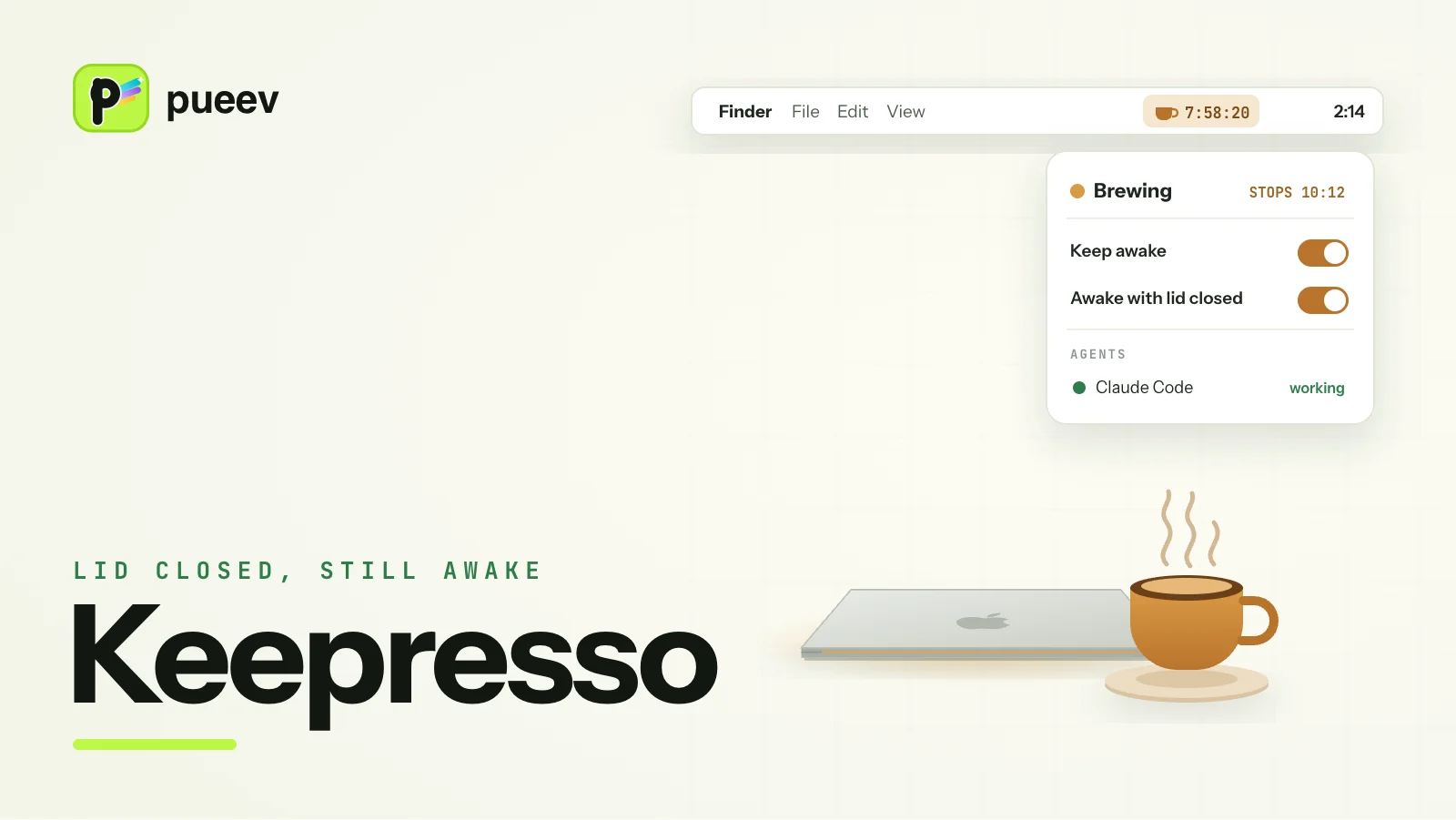
So our founder spent a weekend on it. The first version of Keepresso was small. It put a coffee cup in the menu bar that holds a real macOS power assertion, the same mechanism caffeinate uses, and added a switch that keeps the Mac running with the lid closed. The name is an espresso pun. They wrote it up on gyorgy.sh, put the code on GitHub on 30 June, and moved on to the next thing.
How Keepresso keeps a Mac awake with the lid closed
Apple's own clamshell mode keeps a MacBook running with the lid shut only while it is on power with an external display attached. Unplug the display or the charger and the Mac goes to sleep.
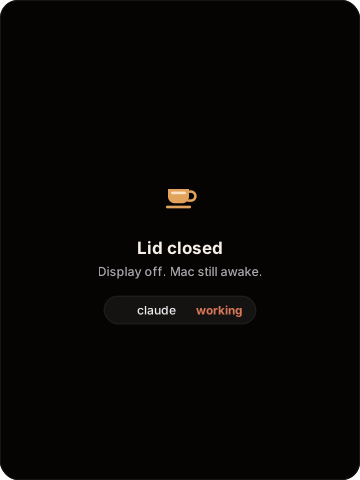
Keepresso's closed-display mode drops both conditions. The MacBook keeps running with the lid closed, on battery or on power, with no monitor attached. The internal display turns off by default, or stays powered at zero brightness if you reach the Mac over remote desktop.
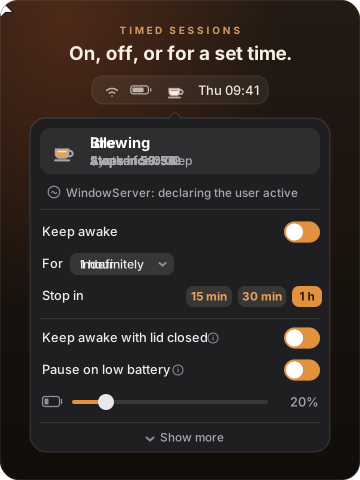
The switch changes a system power setting, so macOS asks for administrator approval. You approve Keepresso's helper once and it stops asking. With Only while brewing on, the default for new installs, the lid override follows the keep-awake session: it turns on when a session starts and off when it ends, so the Mac goes back to normal sleep when the work is done.
A closed laptop on battery can run itself flat or get hot, so Keepresso watches for both. It pauses the session when the battery drops below a level you set or when the Mac stays hot, and on Macs that support it, it can switch to Low Power Mode or hold a minimum fan speed while the lid is shut. The closed-lid guide walks through the setup step by step.
Then other people started using it
Keepresso went up on Product Hunt in August and reached #14. Stars on GitHub passed a hundred, and issues and pull requests followed.
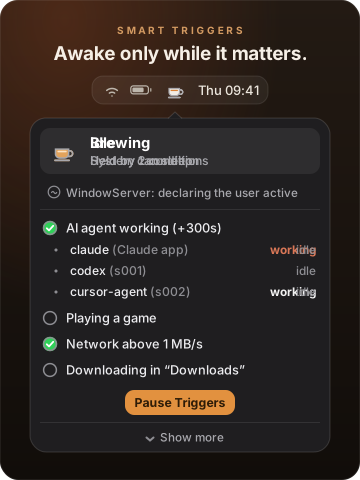
The app grew in directions nobody planned that weekend: Mac minis running with no display, game streaming, captive Wi-Fi login pages, chat apps that mark you away while you read. Each feature got a help guide written for the person who would search for it. The feature our founder built it for, keeping a Mac awake only while an AI agent is actually working, is still the reason it exists.
Four months and more than 35 releases later, it had stopped being a side project. Keepresso is now a pueev product.
Why our name is on it
A keep-awake app needs more trust than its size suggests. Closed-lid mode changes a system power setting and needs administrator approval, and the app updates itself. If something touches the power settings on the machine you work on, you should be able to check who made it and what it does.
- Signed by pueev. Every release is signed with pueev's Apple Developer ID, so macOS can show you who published it.
- Notarized by Apple. Apple checks each build for known malware before macOS opens it without a warning.
- Immutable releases. Keepresso ships as immutable GitHub releases. Once a version is published, its download and its tag cannot be swapped afterwards, by anyone, including us.
- Open source. The full source is on GitHub under GPL-3.0. Read what the app does, build it yourself, or fork it.
It stays free, with no account, no paid tier and no tracking. The safety guide lists which optional feature asks for which permission and how to take it back. If you use caffeinate or Amphetamine today, the comparison shows what changes.
Try it
With Homebrew:
brew install --cask gyorgysh/keepresso/keepresso
Or download it from keepresso.com, drag it to Applications, and click the cup in the menu bar. It needs macOS 14 or newer.
If it saves one of your overnight runs, tell us at gyorgy@pueev.com. If it does not, open an issue on GitHub.