Introducing tokenstat, a home base for your coding agents
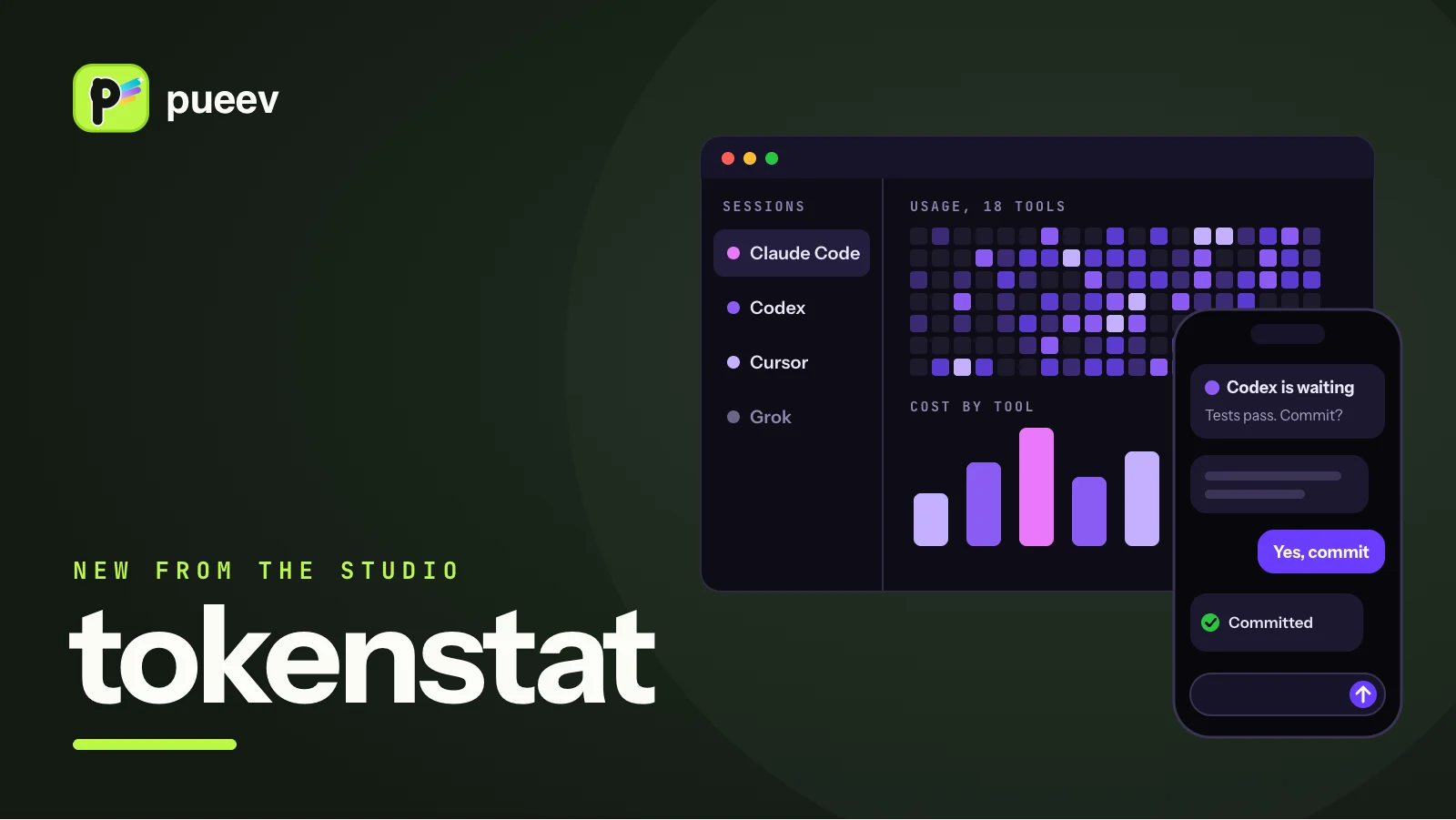
We have a new product out: tokenstat. It runs your coding agents on your Mac or a server, shows what every session costs, and lets you answer a waiting agent from your phone.
Our founder wrote the longer story of how it was built on gyorgy.sh. This is the short version.
Who it is for
tokenstat is for developers who spend their day with AI coding agents, especially those who use more than one. Claude Code, Codex, Cursor, Grok and the rest each keep their own logs in their own format. tokenstat reads usage from 18 of them into one record, with a heatmap and a breakdown by model, tool and project, so you can see what each subscription gives you.
It also runs the agents. Each session lives in a terminal or a chat inside the app, and it keeps going when you close the window. If you hit a plan limit halfway through a task, you can hand the conversation to another agent and it carries on from the same point.
Agents run for a long time, and you will not always be at your desk while they do. The iPhone, iPad and Android apps reach your machines directly when they can, and through an end-to-end encrypted relay when they cannot, so you can check on a session, answer it and review what it changed from your phone.
If you prefer the terminal, the CLI and the MCP server read the same numbers on macOS, Linux and Windows.
Where to get it
- macOS: download the Mac app, one universal build for Apple silicon and Intel, macOS 14 or newer. It updates itself.
- iPhone and iPad: tokenstat on the App Store.
- Android: tokenstat on Google Play.
- Windows: the desktop app is a review build, on the download page. The Windows CLI is stable.
- Linux: the CLI and the always-on host. A desktop app is planned.
- CLI on macOS and Linux:
curl -fsSL https://tokenstat.ai/install.sh | bash - CLI on Windows:
irm https://tokenstat.ai/install.ps1 | iex
The Mac app and the macOS CLI are signed with our Developer ID and notarized by Apple. Every release ships with SHA-256 checksums, and the install scripts and tokenstat update check them before anything runs. The source is published on GitHub, so you can read exactly what the app does with your data.
What it costs
Everything that runs on your own machine is free, with no account: the Mac app, the CLI and the MCP server. Reaching one machine from another, including from your phone, comes with Patron at $48 a year or $5 a month. The pricing page has every plan.
Paid plans are sold through Paddle on the website and in the desktop app, through the App Store on iPhone and iPad, and through Google Play on Android. One plan covers every device on your account, wherever you bought it.
Tell us what you think
tokenstat is made and run by pueev, a software studio in Tallinn. Send questions, bugs and feature requests to gyorgy@pueev.com and they reach the people who build it. You can also find us on X and GitHub.